

Speed and efficiency aren’t just nice-to-haves, they define how quickly ideas turn into shipped products. Whether you’re building websites, APIs, or full-stack applications, the right tools can significantly boost your productivity.
One of the most popular code editors today is Visual Studio Code, known for its flexibility and powerful extension ecosystem.
In this guide, we’ll explore the best VS Code extensions for faster web development in 2026 and how they can streamline your workflow.
Why Use VS Code Extensions?
VS Code extensions help developers:
- Automate repetitive tasks
- Improve code quality
- Speed up development workflows
- Enhance debugging and collaboration
To get the best performance, developers should also use a high-performance hosting environment to deploy applications efficiently.
Best VS Code Extensions for Web Development
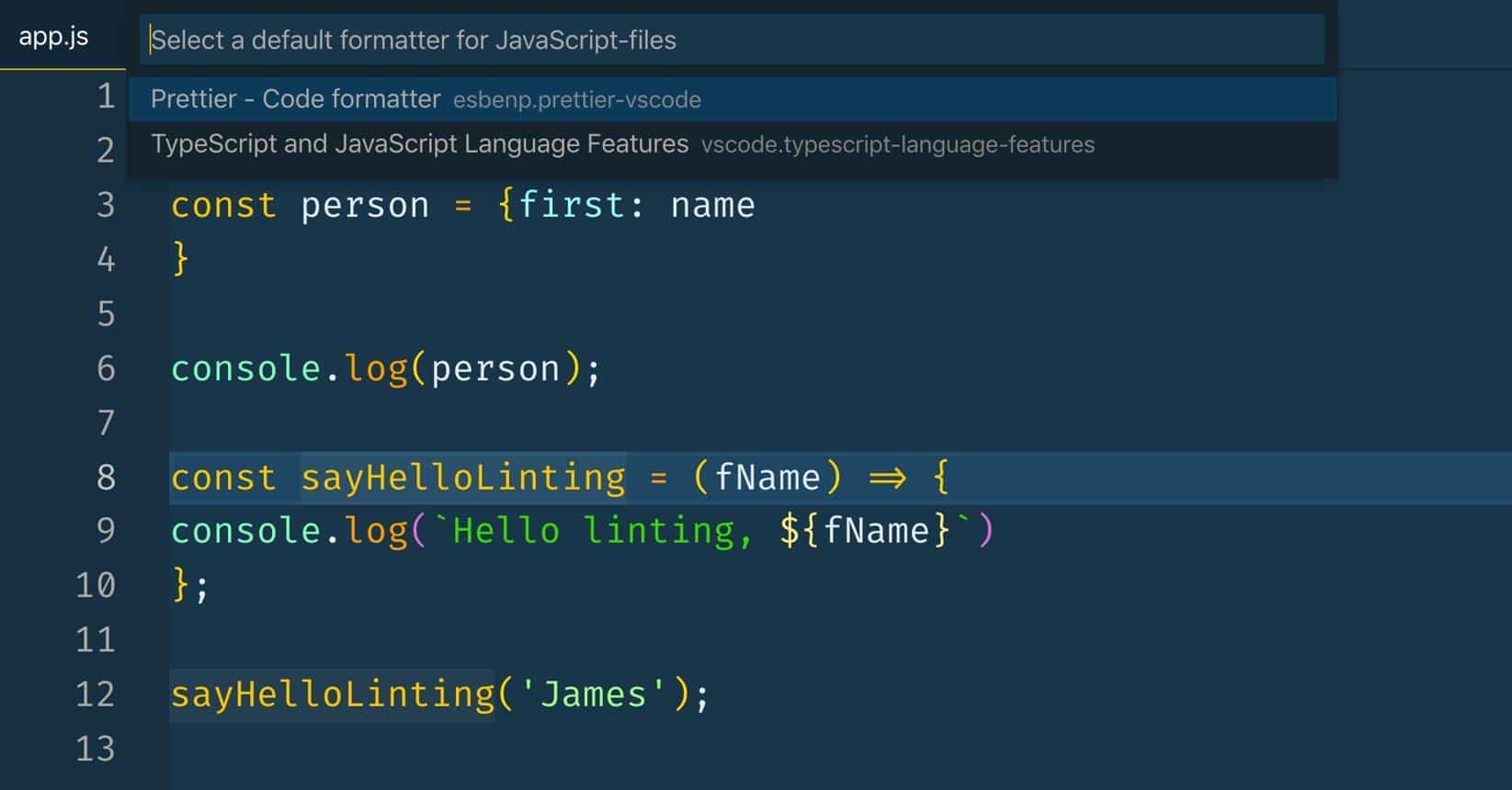
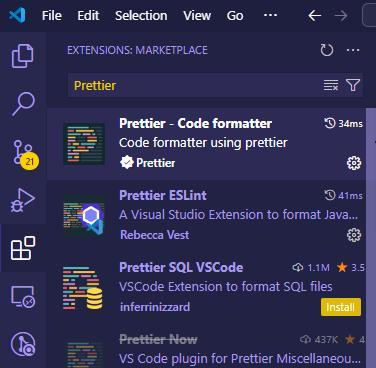
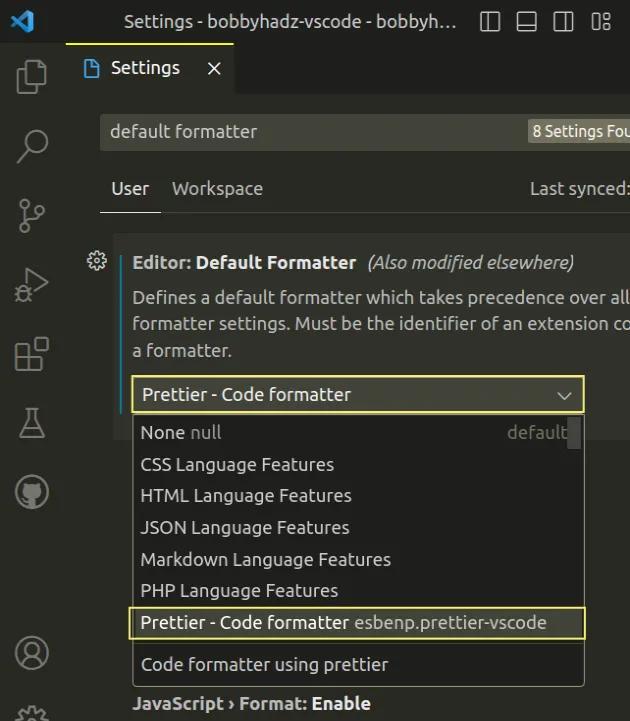
1. Prettier – Code Formatter
External Link: https://marketplace.visualstudio.com/items?itemName=esbenp.prettier-vscode
Prettier automatically formats your code, ensuring consistency across your project.
Key Benefits:
- Auto format on save
- Supports multiple languages
- Improves readability
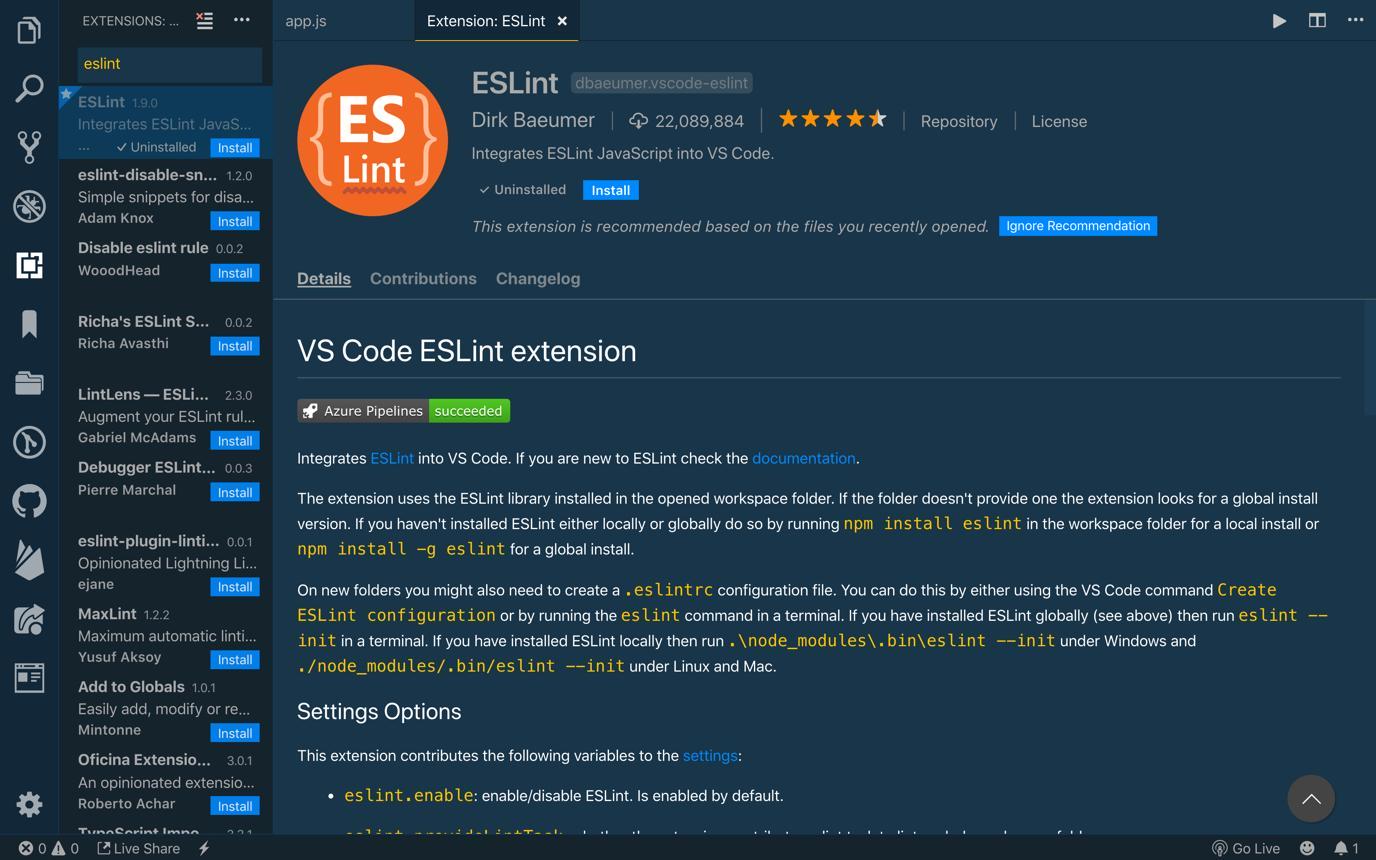
2. ESLint – Code Quality Checker
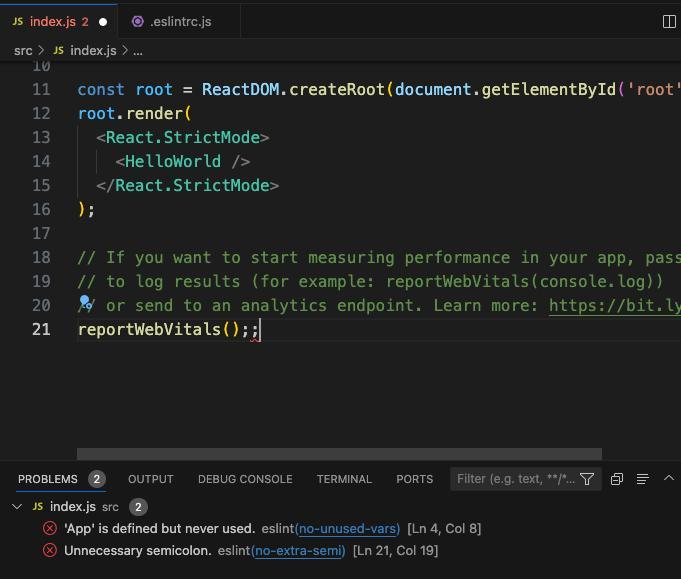
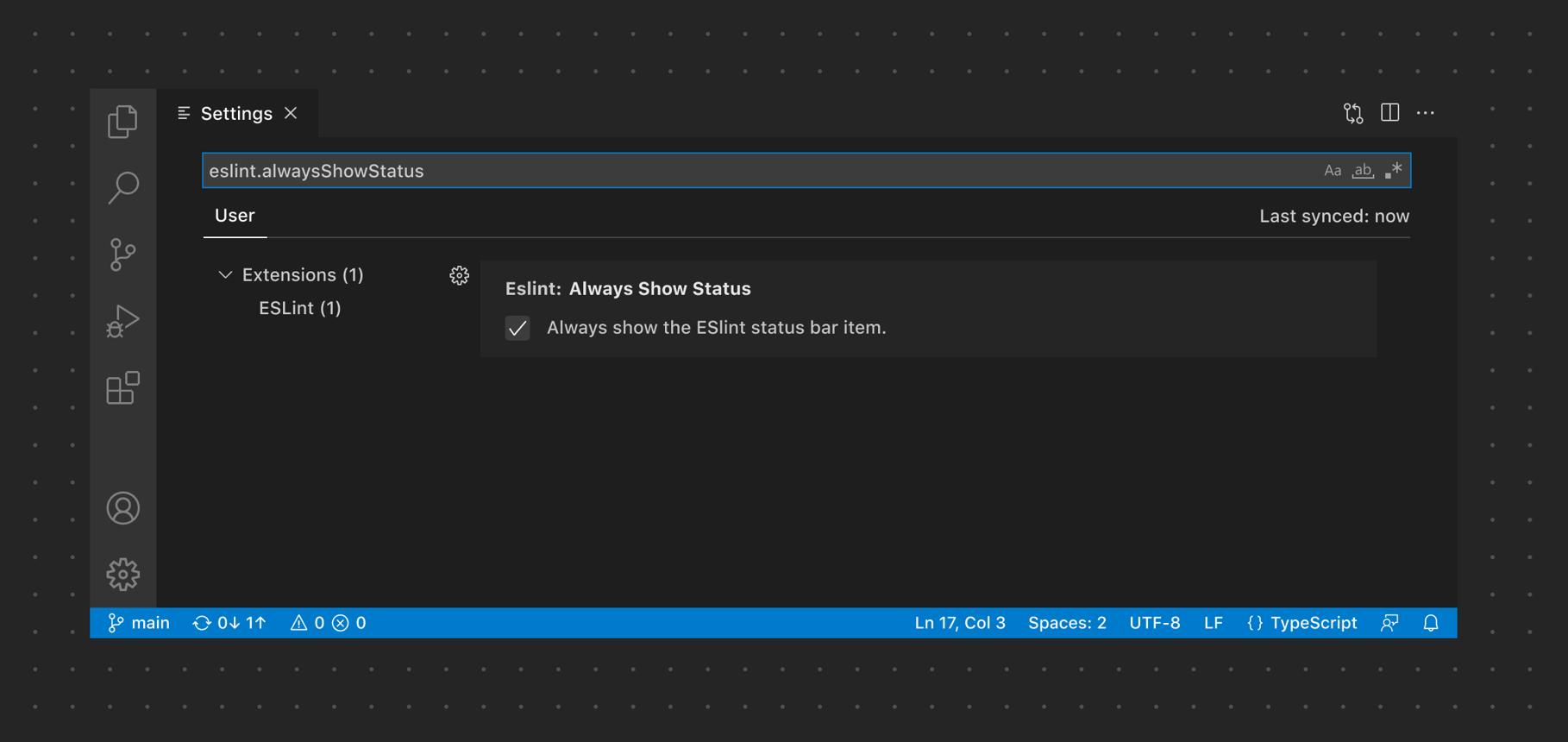
External Link: https://marketplace.visualstudio.com/items?itemName=dbaeumer.vscode-eslint
ESLint helps identify and fix issues in your JavaScript code.
Key Benefits:
- Detects errors early
- Enforces coding standards
- Improves code quality
3. Live Server – Instant Preview
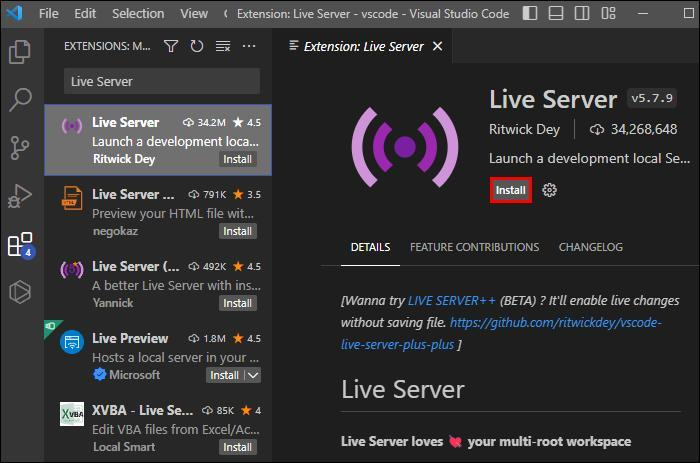
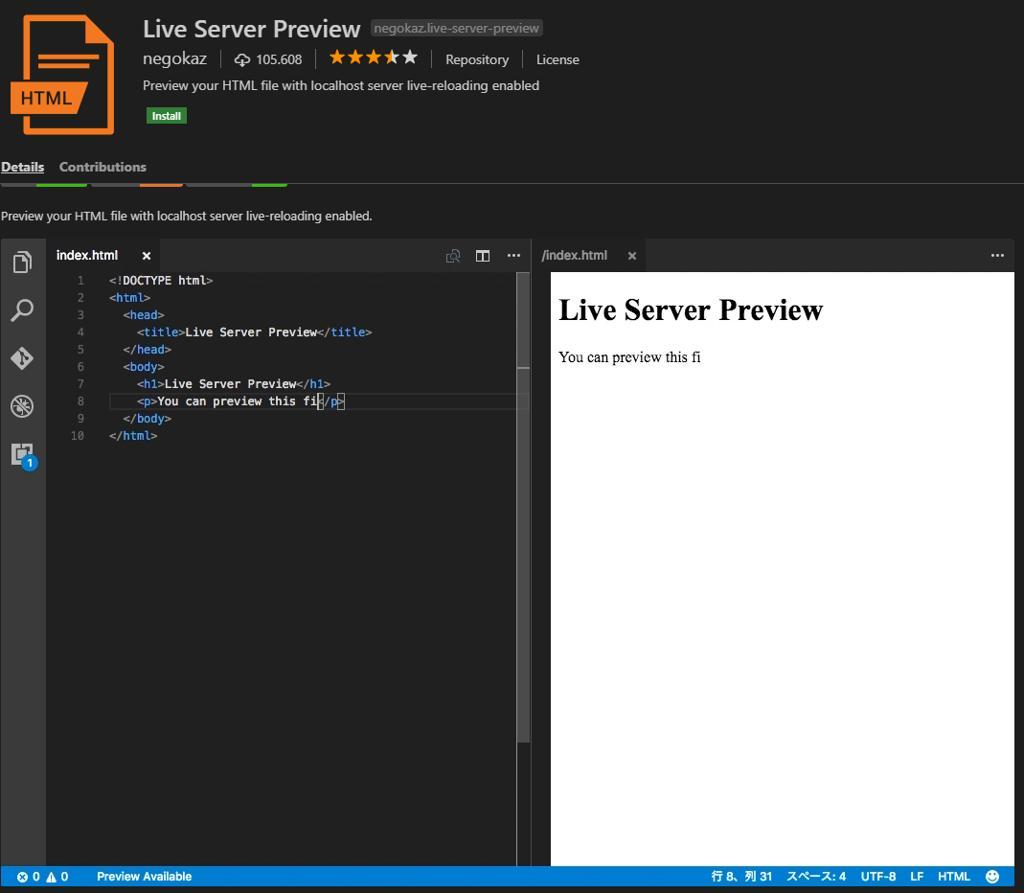
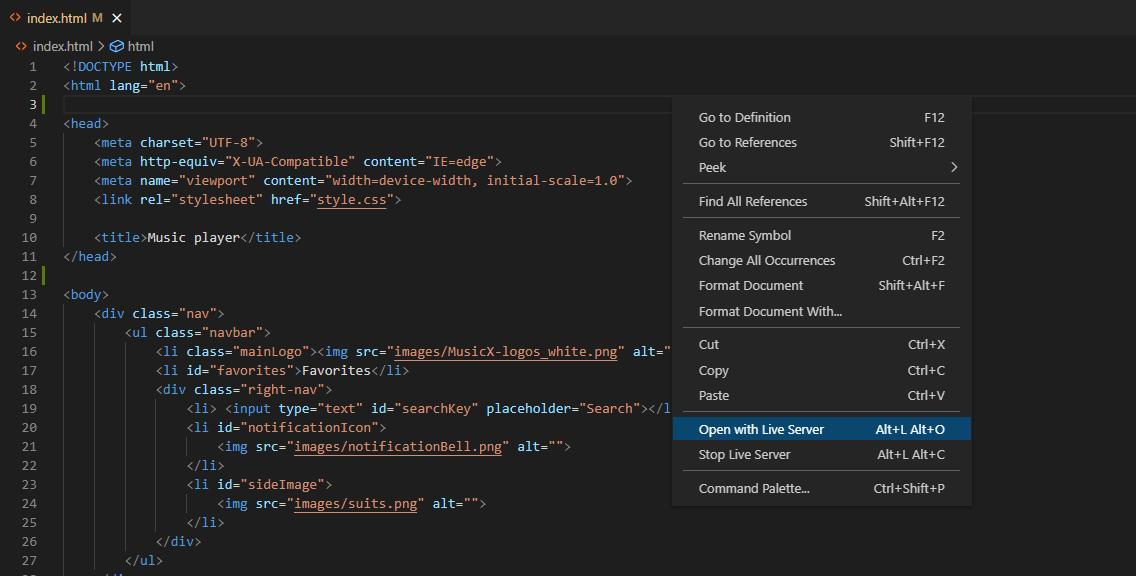
External Link: https://marketplace.visualstudio.com/items?itemName=ritwickdey.LiveServer
Live Server launches a local development server with live reload.
Key Benefits:
- Real-time preview
- Faster debugging
- Saves development time
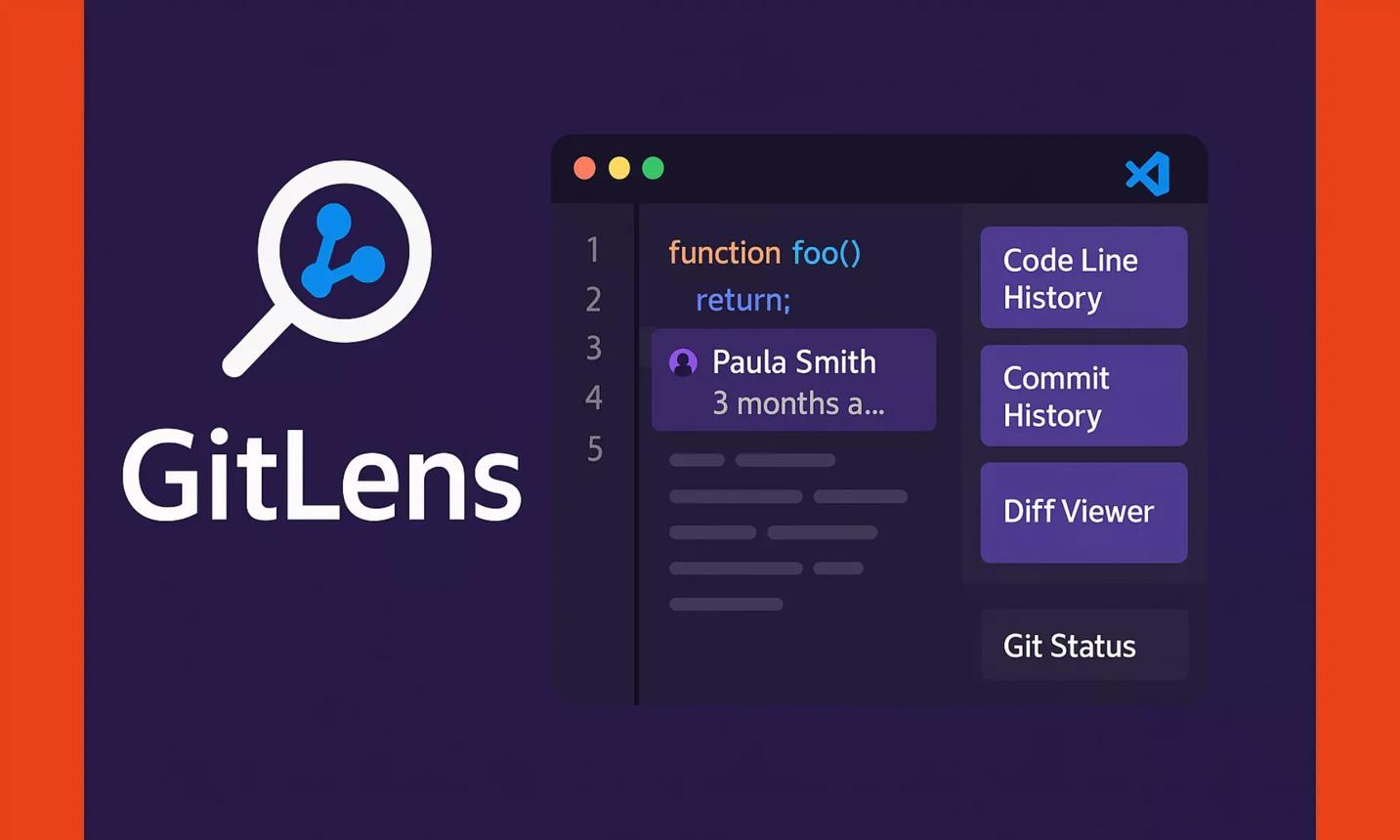
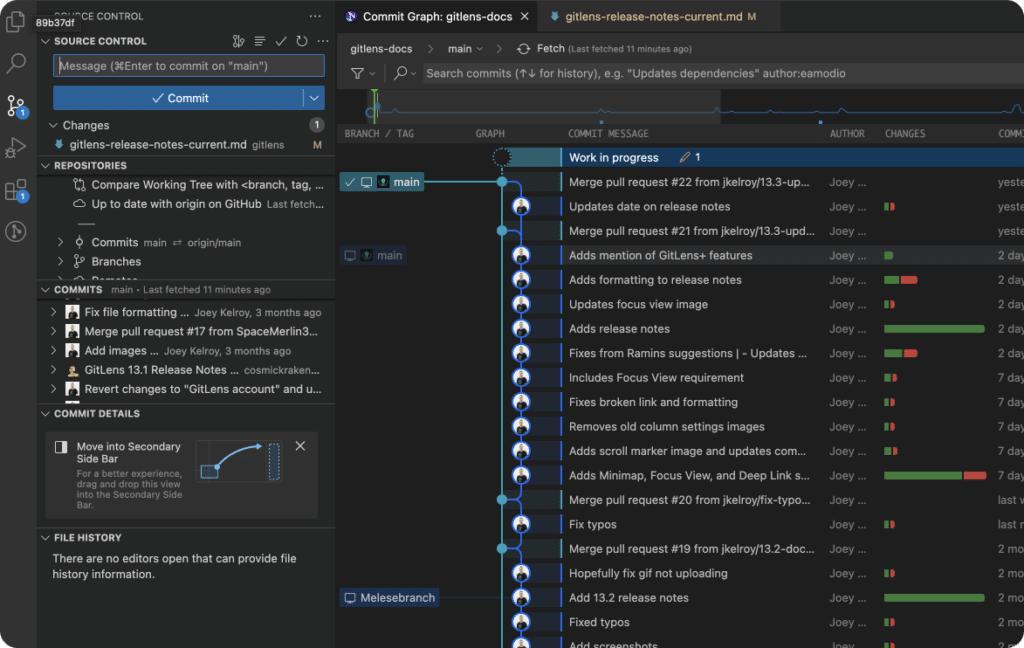
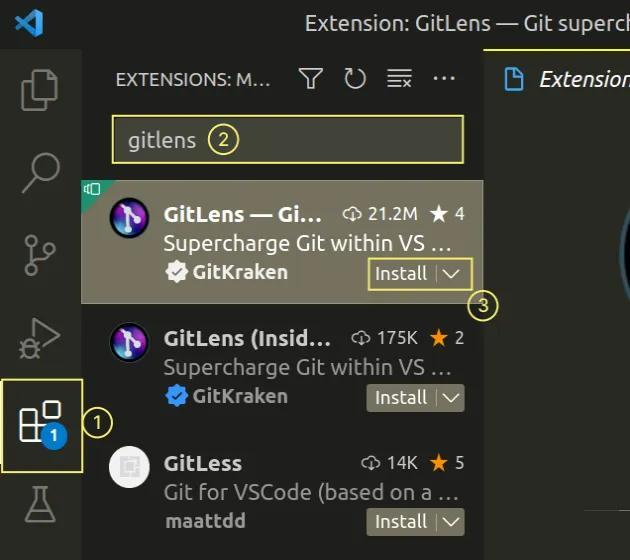
4. GitLens – Git Supercharged
External Link: https://marketplace.visualstudio.com/items?itemName=eamodio.gitlens
GitLens enhances Git capabilities inside VS Code.
Key Benefits:
- Track code changes
- View commit history
- Improve collaboration
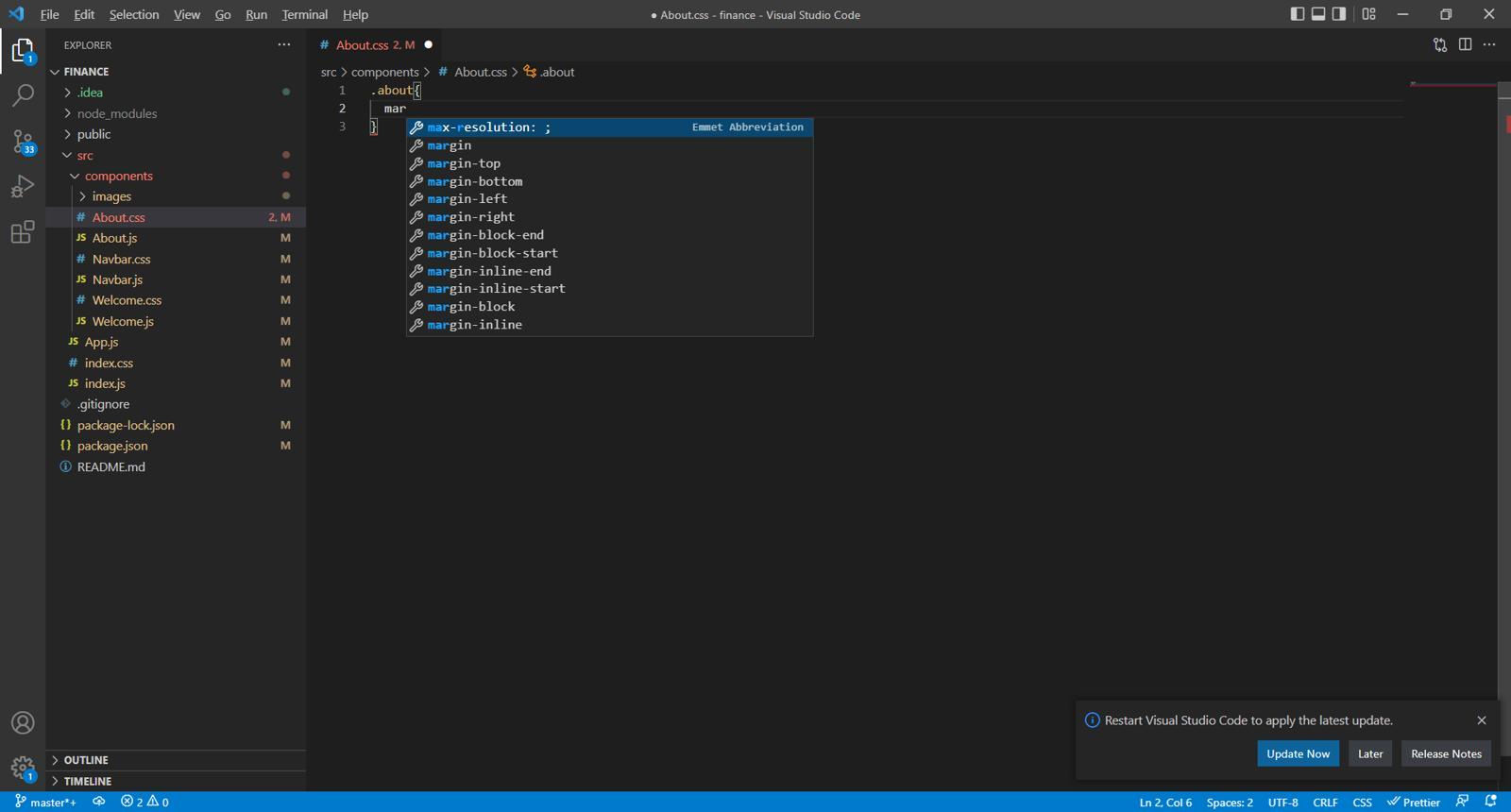
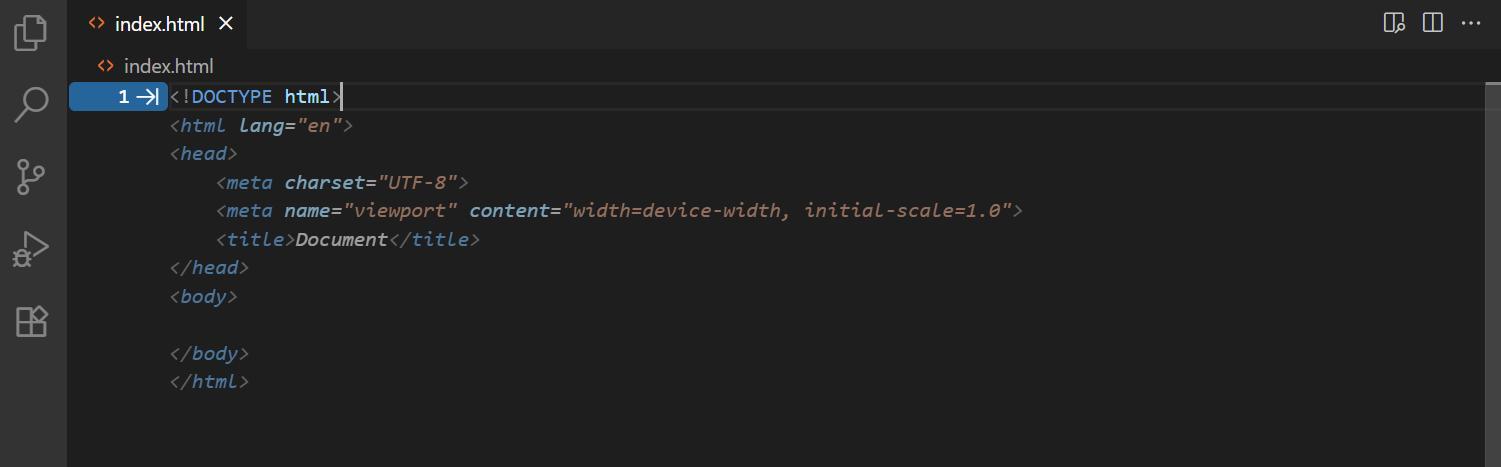
5. IntelliSense for CSS/HTML
External Link: https://marketplace.visualstudio.com
Provides smart suggestions and auto-completion for faster coding.
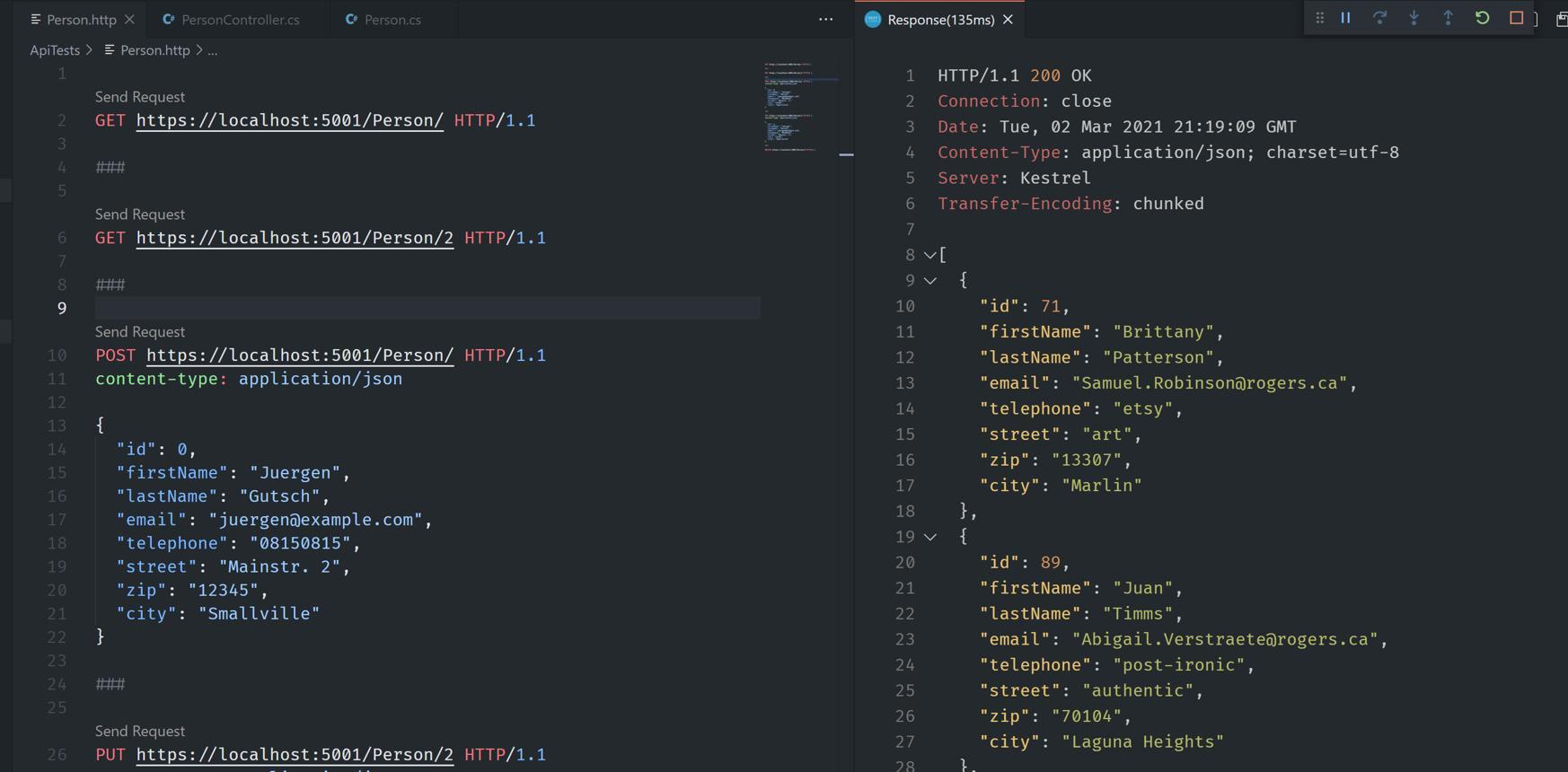
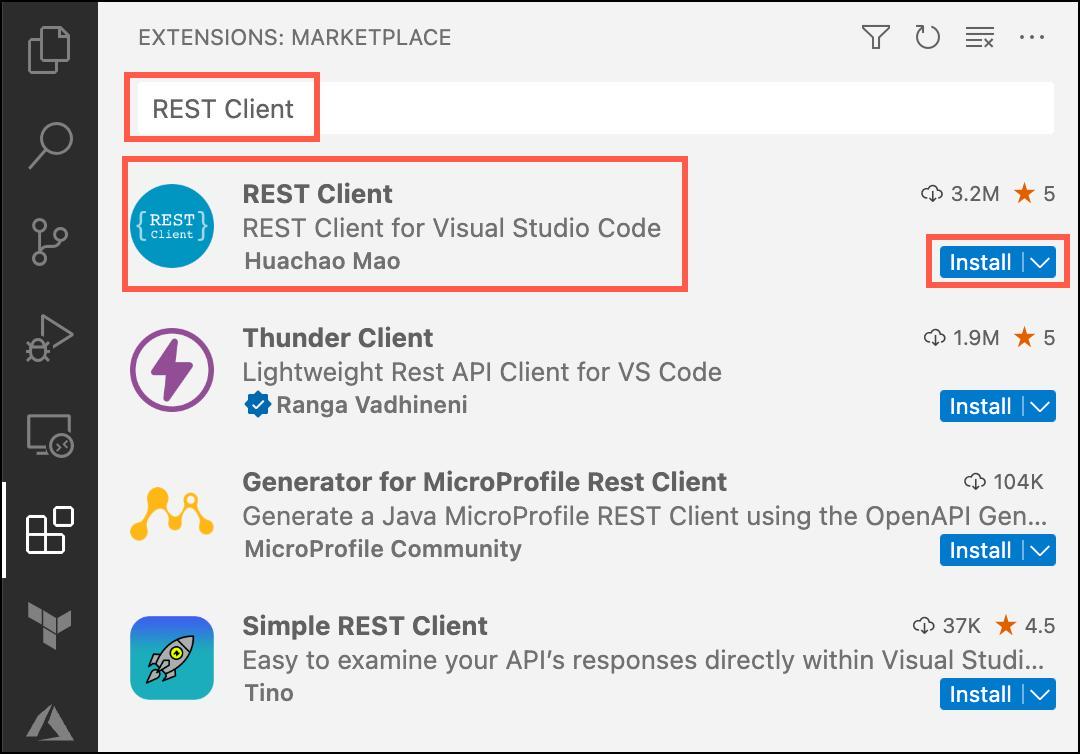
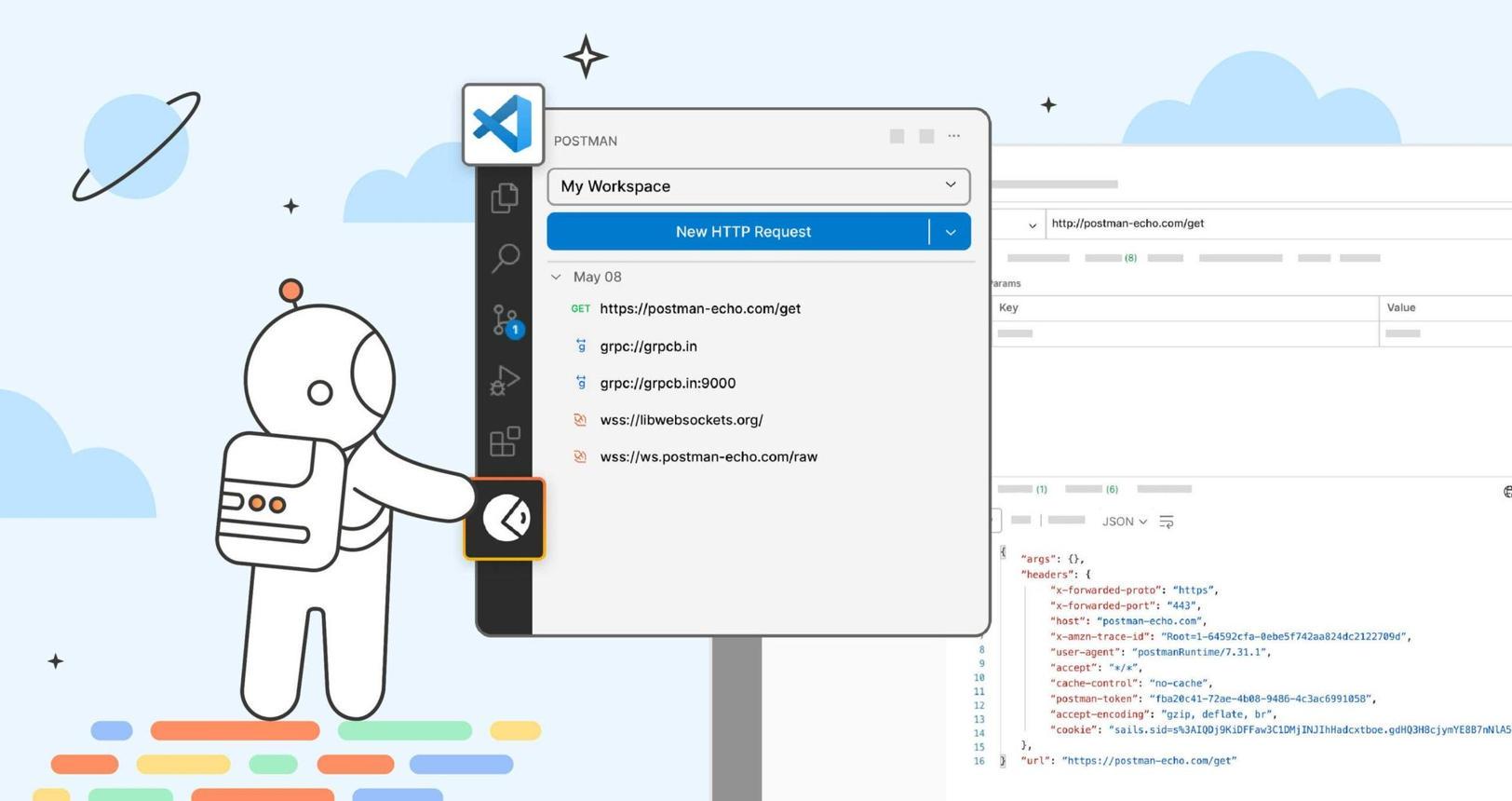
6. REST Client – API Testing
External Link: https://marketplace.visualstudio.com/items?itemName=humao.rest-client
Test APIs directly within VS Code without external tools.
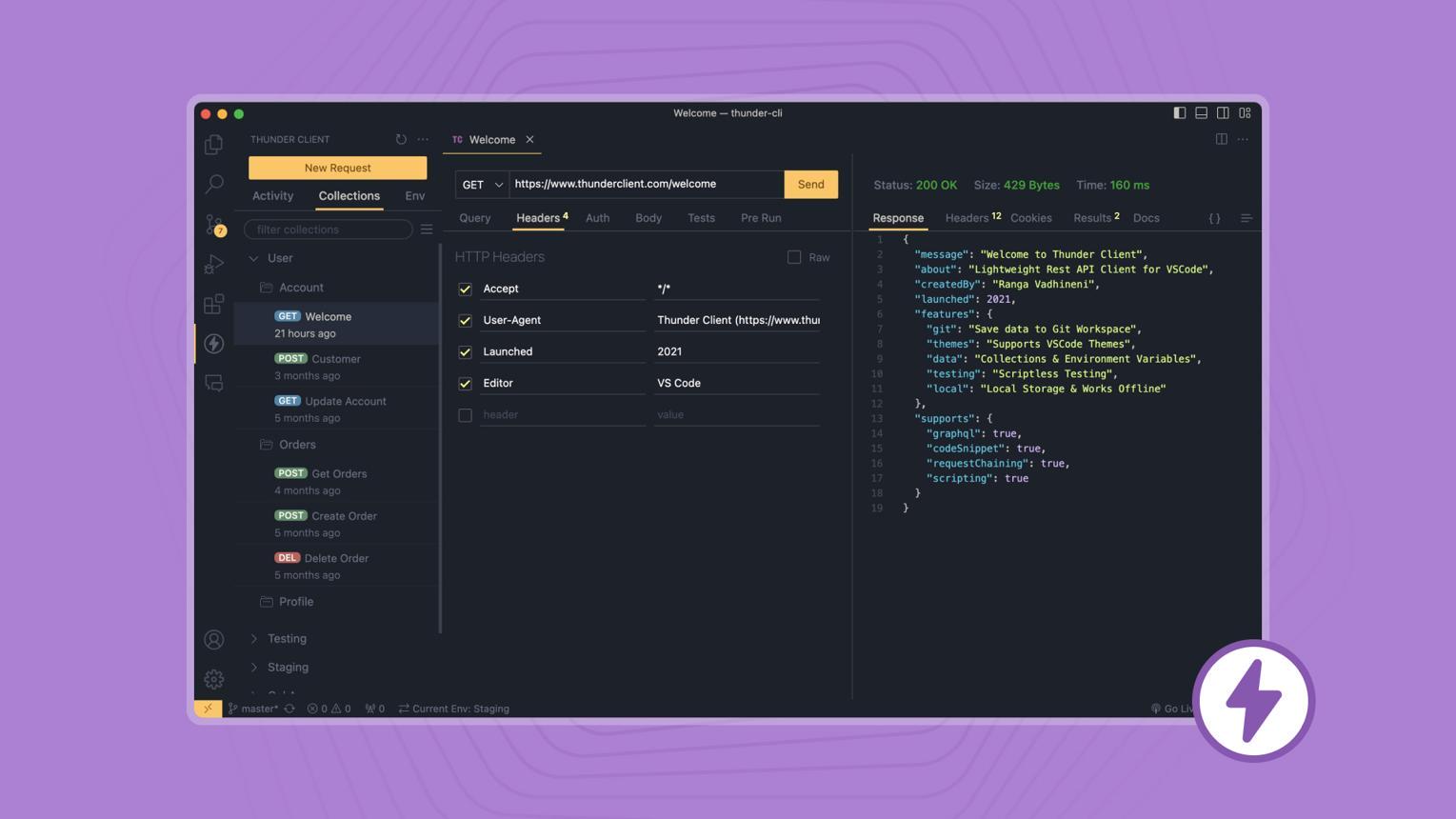
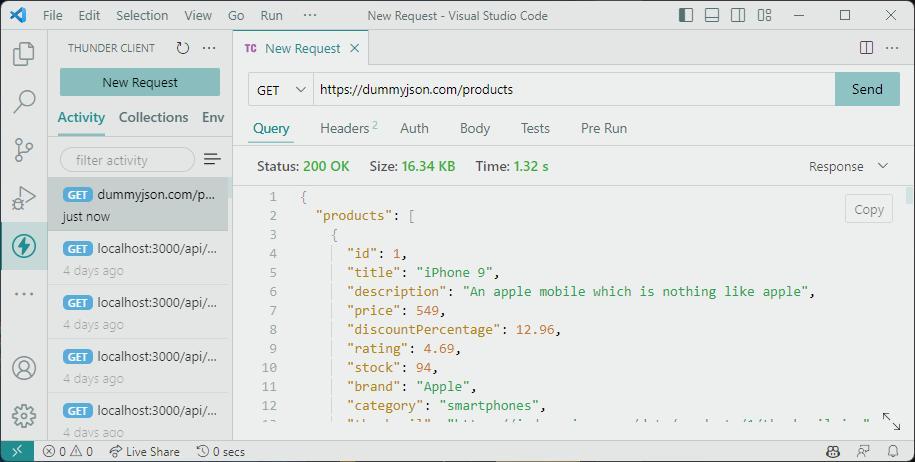
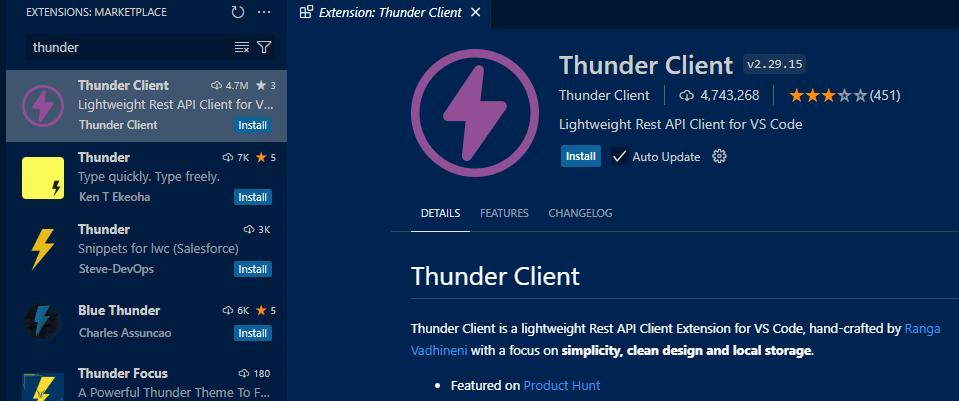
7. Thunder Client – Lightweight API Tool
External Link: https://marketplace.visualstudio.com/items?itemName=rangav.vscode-thunder-client
A fast alternative to Postman for API testing.
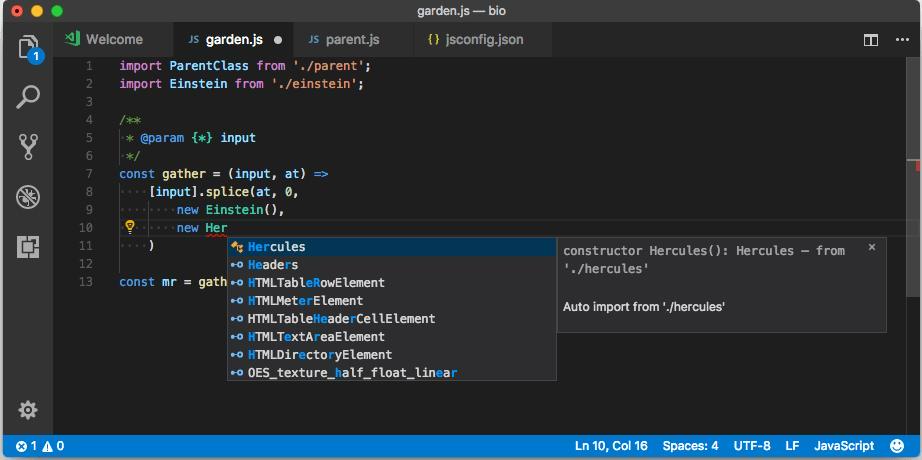
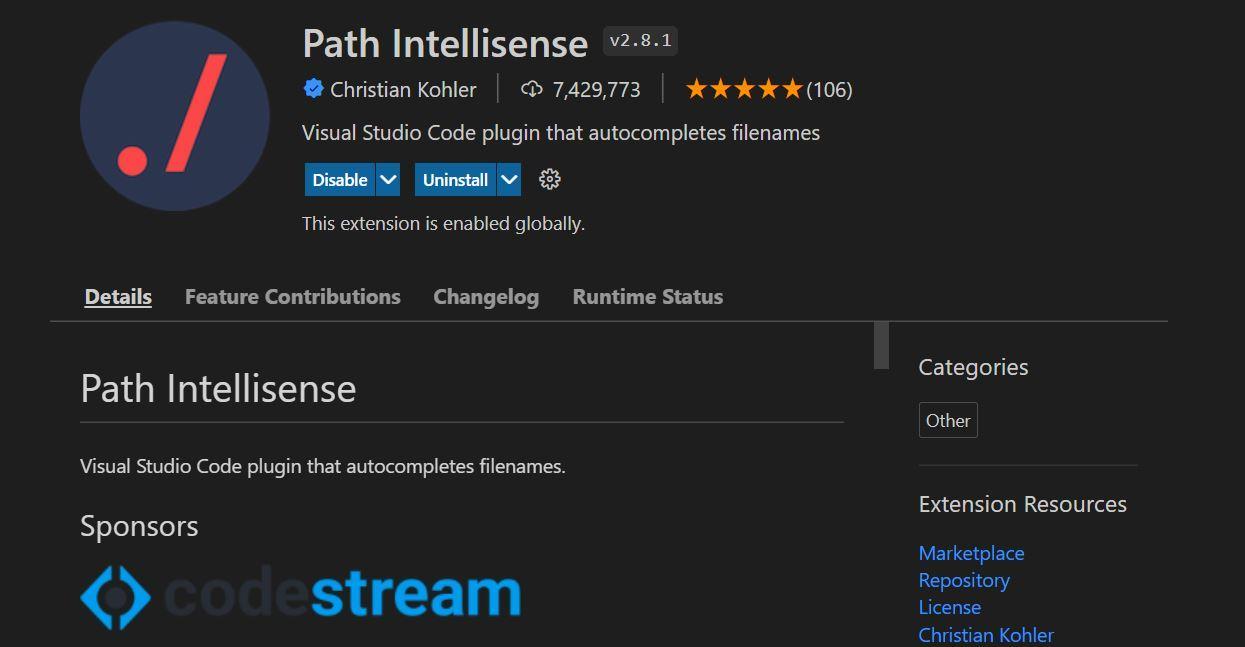
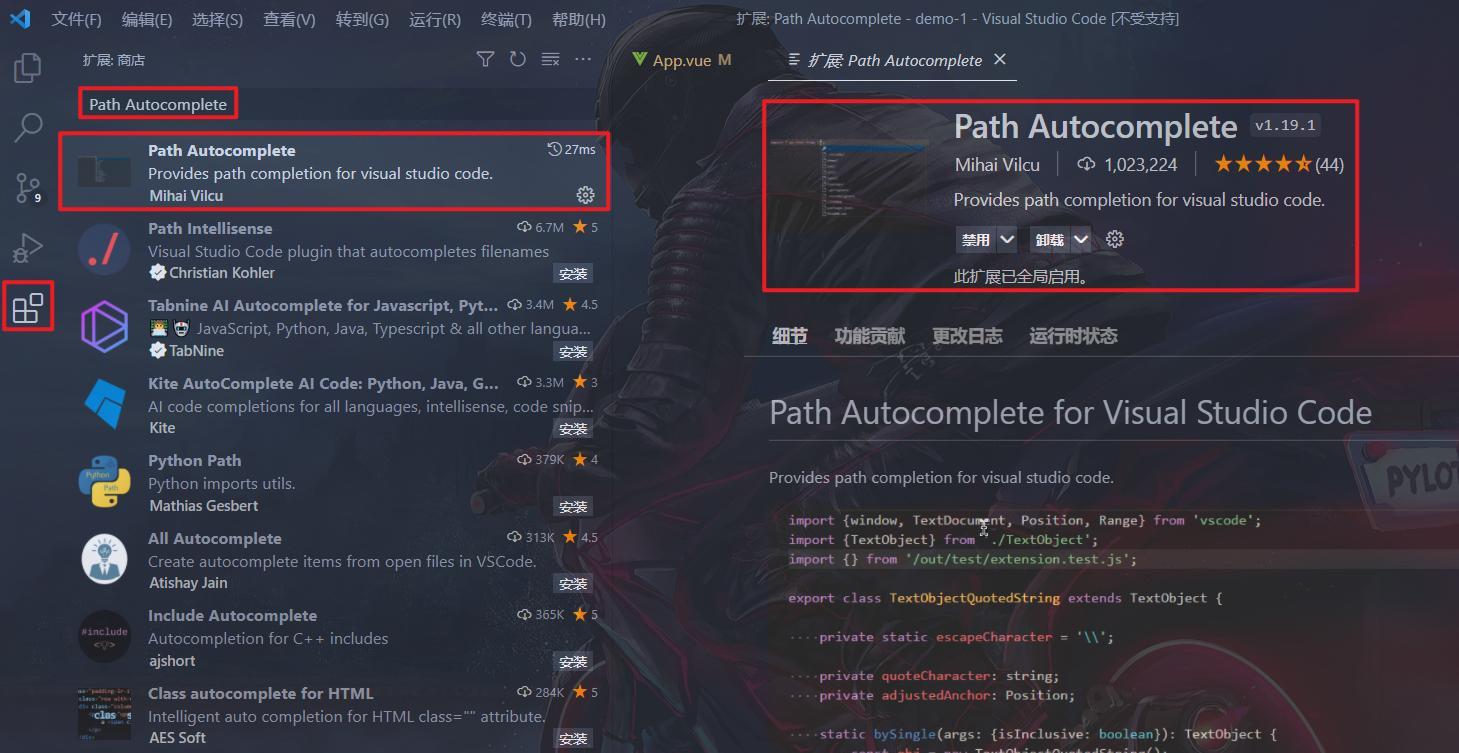
8. Path Intellisense
External Link: https://marketplace.visualstudio.com/items?itemName=christian-kohler.path-intellisense
Automatically completes file paths.
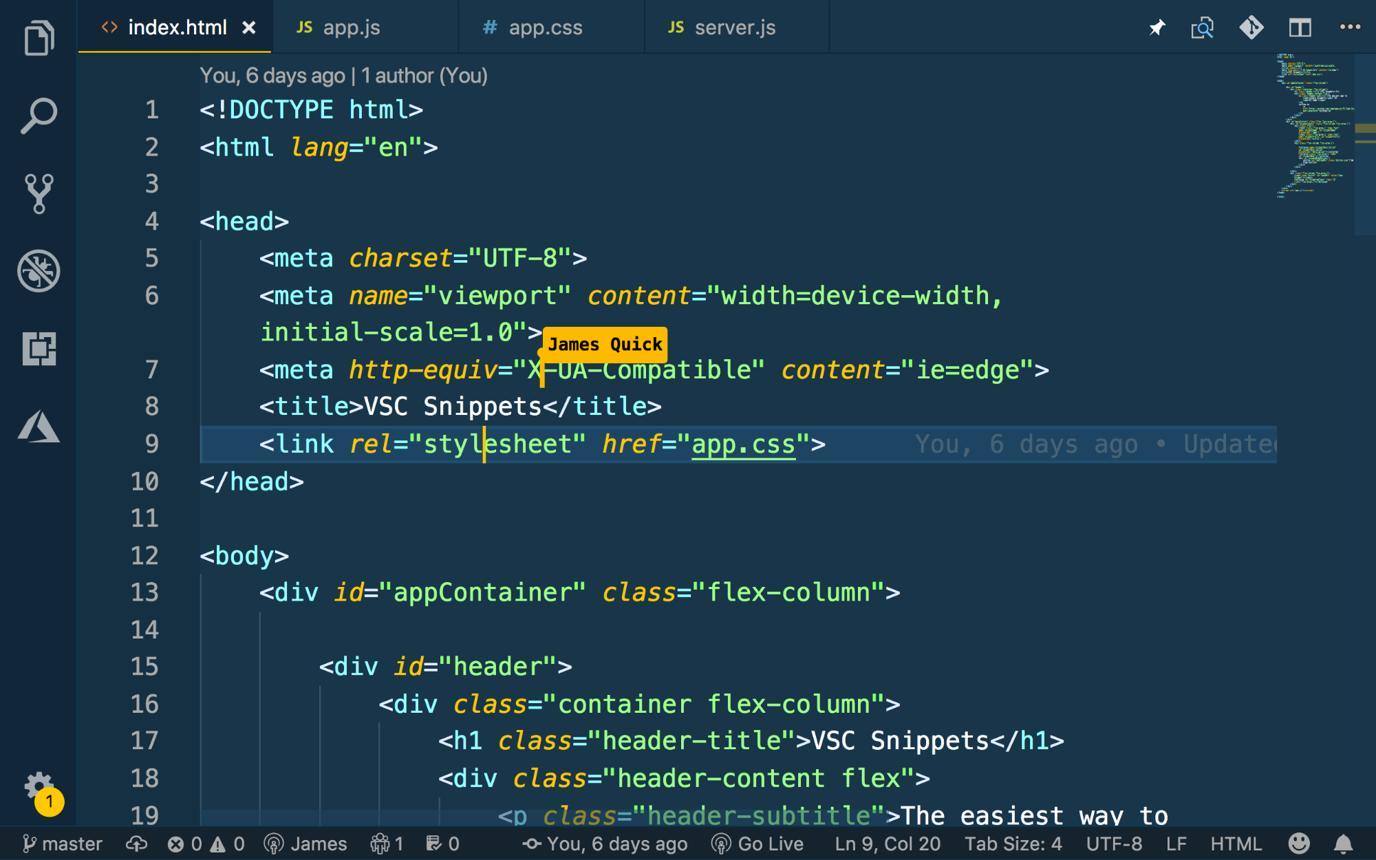
9. Auto Rename Tag
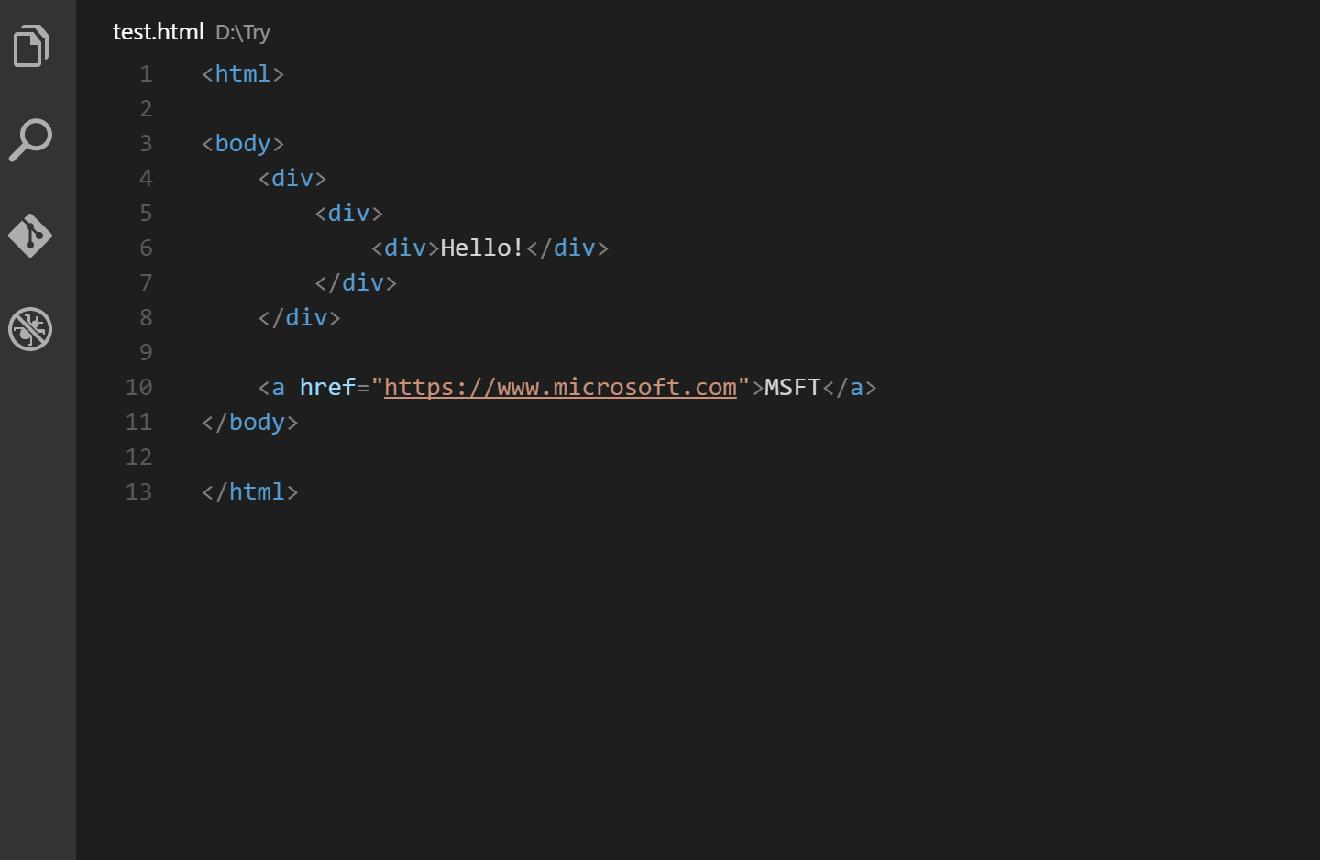
External Link: https://marketplace.visualstudio.com/items?itemName=formulahendry.auto-rename-tag
Renames paired HTML/XML tags automatically.
10. Bracket Pair Colorizer
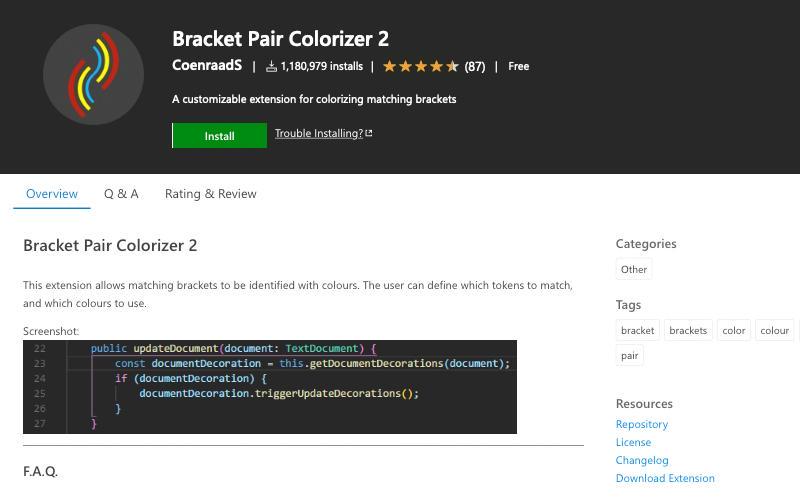

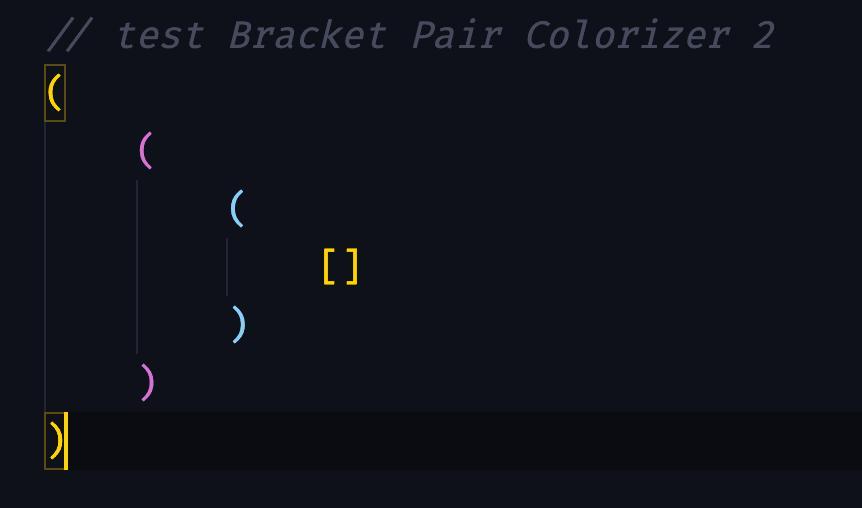
External Link: https://marketplace.visualstudio.com
Improves readability by colorizing matching brackets.
Pro Tip: Development Speed = Hosting Performance
Even with the best tools, performance matters when deploying your applications.
Use VPS hosting or managed hosting to ensure:
- Faster load times
- Better uptime
- Scalable performance
Final Thoughts
Using the right VS Code extensions can significantly improve your development speed, code quality, and workflow efficiency.
Combine these tools with a secure hosting environment to build, deploy, and scale your applications seamlessly.
Ready to Build Faster?
Get high-performance hosting today with VeeroTech and take your development workflow to the next level.
FAQ SECTION
What are the best VS Code extensions for web development?
The best VS Code extensions include Prettier, ESLint, Live Server, GitLens, REST Client, and Thunder Client. These tools help improve code quality, speed, and overall development workflow.
Are VS Code extensions free?
Most VS Code extensions are free and available through the Visual Studio Marketplace. Some advanced tools may offer premium features, but core functionalities are usually free.
Which VS Code extension is best for beginners?
Prettier and Live Server are great for beginners. They simplify code formatting and provide instant previews, making development easier and faster.
Can VS Code extensions improve development speed?
Yes, VS Code extensions automate repetitive tasks, provide auto-completion, and help debug code faster, significantly improving development speed.
Do I need hosting after development?
Yes, once your application is ready, you need a reliable hosting solution to deploy and run it efficiently. Choosing a secure hosting environment ensures performance, uptime, and scalability.
If you have any web hosting questions please feel free to reach out to us. We're happy to help.